UPS Battery Replacement Guide (Canada)
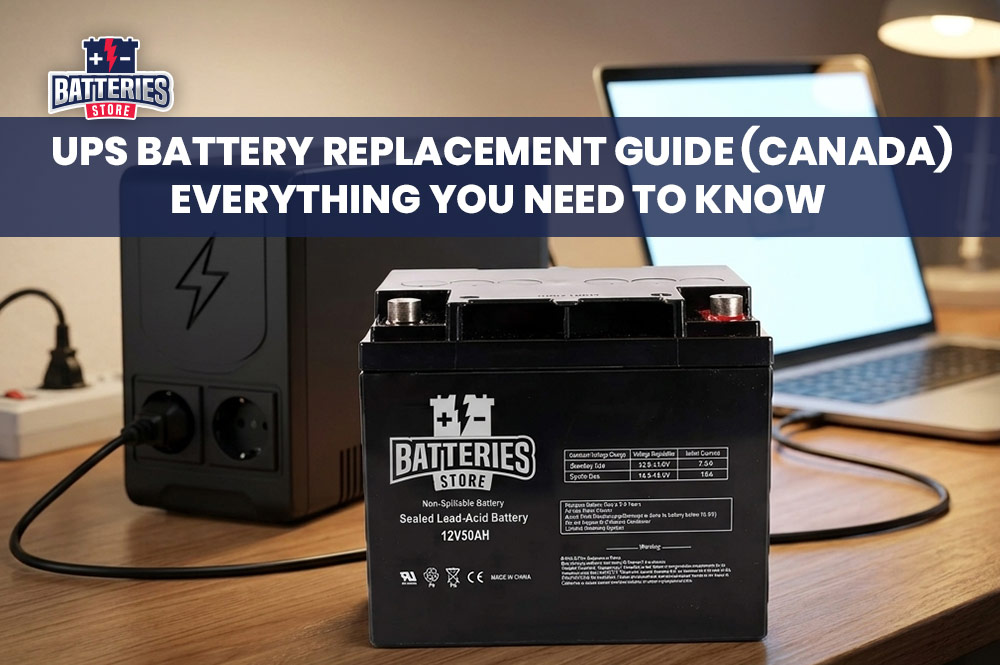
Power outages are unpredictable - but your response to them doesn't have to be. A UPS (Uninterruptible Power Supply) is the last line of defence for your computers, servers, networking gear, and other critical electronics when the grid fails. But here's the catch: a UPS is only as reliable as the battery inside it. If your battery is aging, degraded, or dead, your UPS is essentially just an expensive extension cord. This complete UPS battery replacement guide is written specifically for Canadian homes and businesses, helping you understand when to replace your battery, how to do it safely, and where to buy the right one.
What Is a UPS Battery and Why Does It Matter?
A UPS system stores electrical energy in an internal battery and releases it instantly when your main power supply fails or fluctuates. Whether you're running a small home office in Calgary, a retail shop in Vancouver, or a server room in Toronto, a functioning UPS battery ensures your equipment shuts down safely or continues running during a blackout, brownout, or power surge.
Without a healthy battery, your UPS cannot fulfil its core purpose. Data can be lost, hardware can be damaged, and critical operations can be interrupted. Think of the UPS battery the same way you'd think of the battery in a smoke detector - you rarely need it until you suddenly need it urgently.
Types of UPS Batteries: VRLA, AGM, and Lithium-Ion Explained
Understanding the type of battery in your UPS system is the first step to replacing it correctly.
VRLA (Valve-Regulated Lead-Acid) batteries are by far the most widely used in UPS systems. They are sealed and maintenance-free, making them relatively cheap and applicable in small to medium-sized UPS configurations. Within the VRLA category, you'll most commonly encounter AGM (Absorbent Glass Mat) batteries. AGM technology integrates thin glass fibres woven into a mat, significantly raising energy density and allowing a faster rate of discharge. These are the go-to choices for most APC, Eaton, CyberPower, and Tripp Lite UPS units sold in Canada.
Lithium-Ion batteries represent the next generation of UPS power. Lithium-ion batteries offer a longer lifespan, often lasting between 8 to 12 years, with higher energy density and a longer cycle life compared to SLA batteries. They are lighter, handle heat better, and require far less maintenance - making them an excellent long-term investment for businesses and data centres, though they come at a higher upfront cost.
For most Canadian homeowners and small businesses, replacing a standard UPS with a high-quality VRLA/AGM battery is the practical and cost-effective choice.
How Long Does a UPS Battery Last in Canada?
Battery lifespan is one of the most frequently misunderstood aspects of UPS ownership. While lead-acid VRLA batteries have a design life of 10 years, they realistically need to be replaced every 4 to 5 years to ensure peak performance.
Temperature plays an enormous role in this, especially in Canadian climates. The optimal operating temperature for a lead-acid battery is 20–25°C. As a general rule, every 8°C increase in temperature will cut the battery's life in half. For example, a battery expected to last 4 years at 25°C would last only about 2 years at 33°C. In Canada, this cuts both ways - server rooms or utility closets that get warm in summer can dramatically shorten battery life, even in cooler climates.
Other factors that affect lifespan include how frequently power outages occur, how deeply the battery is discharged each time, and how well the UPS is maintained. For a home office UPS under 1 kVA, batteries are typically replaced every three to four years. In commercial or industrial settings with heavier loads and more frequent cycling, replacement intervals may be even shorter.
Warning Signs That Your UPS Battery Needs Replacement
Your UPS battery rarely fails without warning. Knowing what to look for can save you from an unexpected equipment failure at the worst possible moment.
The most obvious sign is a "Replace Battery" alarm or indicator light on the UPS front panel. Most modern units from brands like APC, Eaton, and CyberPower are equipped with battery health monitoring that triggers this alert automatically. A battery fault indicator on the front panel or management software is a clear signal that testing and replacement are needed.
A noticeable reduction in runtime is another key indicator. If your UPS used to power your workstation for 10 minutes during an outage and now cuts out after 2, the battery has lost significant capacity. End of life is commonly defined as the point where a battery can only be charged to 80% of its rated capacity.
Physical signs are equally important. Signs for replacement include reduced backup time, frequent alarms, and a swollen battery casing. A swollen or bulging battery is a safety hazard and should be addressed immediately. If you notice any leaking, corrosion around the terminals, or an unusual smell, stop using the unit and seek professional assistance.
Finally, consider the age of the battery. Since the typical end-of-life for VRLA batteries is approximately five years, it is strongly recommended to replace the UPS battery before reaching this age. Doing so helps prevent performance degradation and reduces the risk of possible hydrogen sulfide gas emission, which can occur when aging batteries begin to fail.
How to Choose the Right Replacement UPS Battery
Selecting the correct replacement battery is critical - using the wrong one can damage your UPS or leave you with unreliable backup power.
Start by checking your UPS model number and the existing battery's specifications, which are typically printed on a label on the battery itself. The three key specifications to match are voltage (commonly 6V or 12V), amp-hour (Ah) capacity, and physical dimensions. Selecting a compatible battery is crucial - the replacement must match the voltage, capacity, and size specifications of your UPS system to guarantee a flawless fit and optimal performance.
For APC users, look for the RBC (Replacement Battery Cartridge) number listed in your UPS documentation or on the APC website - for example, RBC6, RBC7, or RBC24 are among the most common cartridges. Eaton, Tripp Lite, and CyberPower all have similar cross-reference systems.
You can also opt for a compatible third-party battery rather than a manufacturer-branded one, provided it meets the same specifications. Quality third-party batteries often offer the same performance at a lower price point, especially when purchased from a reputable Canadian battery retailer.
Step-by-Step UPS Battery Replacement Guide
Replacing a UPS battery is a task most Canadians can handle at home with basic tools and a few safety precautions. Here is a straightforward walkthrough.
Step 1: Gather your tools and safety equipment.
You'll need the replacement battery, a Phillips head screwdriver, safety gloves, and safety glasses. The battery contains lead and sulphuric acid, so proper protection is non-negotiable.
Step 2: Power down and disconnect.
Safely shut down any equipment supported by the UPS, then disconnect the UPS from all power sources to prevent electrical accidents during the replacement process. Do not skip this step even if the unit appears off.
Step 3: Access the battery compartment.
Locate the battery compartment, usually found at the back or bottom of the UPS unit, and use the appropriate tools to access it. Some models feature a sliding front panel for tool-free access, while others require removing screws.
Step 4: Remove the old battery.
Carefully disconnect the battery terminals, noting which cable connects to which terminal. Many batteries use a simple spade or faston connector that pulls off without tools. Remove the battery gently - UPS batteries are heavier than they look, typically weighing between 2 and 10 kg depending on the unit.
Step 5: Install the new battery.
Place the new battery in the same orientation as the old one. Reconnect the terminals securely, ensuring correct polarity. Improper torque or reversed polarity can cause immediate equipment damage.
Step 6: Reassemble and test.
Close the battery compartment, reconnect the UPS to power, and run the built-in self-test function. Allow the battery to fully charge - this typically takes 8 to 16 hours - before relying on it during an outage.
Tips to Extend Your UPS Battery Life
Getting the most out of your UPS battery doesn't require much effort, but it does require consistency.
Keep your UPS in a cool, well-ventilated space. Avoid placing it inside an enclosed cabinet without airflow, especially during warm Canadian summers. For best performance and battery longevity, it is recommended not to exceed 80% of the UPS's rated capacity. Overloading the UPS forces the battery to work harder, accelerating wear.
Avoid running frequent deep discharge cycles. A UPS is specifically engineered for emergency backup power during unexpected outages, not for continuous cycling like a portable battery pack.
Perform annual inspections. For VRLA batteries, perform monthly or quarterly voltage checks and load testing to detect capacity loss or signs of aging. Inspect for swelling, leaks, or corrosion. Catching problems early is always cheaper than an emergency replacement.
How to Safely Dispose and Recycle UPS Batteries in Canada
UPS batteries contain lead, sulphuric acid, and other hazardous materials. They must never be thrown in regular household garbage or recycling bins. Provinces including Alberta, British Columbia, Saskatchewan, Manitoba, Ontario, Quebec, Prince Edward Island, and Nova Scotia have enacted legislation requiring batteries to be responsibly recycled at the end of life. In these provinces, batteries are considered hazardous waste and must not be thrown in the garbage or regular recycling bin.
Fortunately, recycling options across Canada are widely available and often free. APC by Schneider Electric offers a battery take-back program for Canadian customers, including free return shipping of old batteries for sustainable disposal. Additionally, Call2Recycle Canada operates approved battery collection and recycling programs in provinces including British Columbia, Saskatchewan, Manitoba, Quebec, Ontario, and more. You can find your nearest drop-off location at call2recycle.ca.
Many local battery retailers and electronics shops in Canada will also accept spent UPS batteries for recycling at no charge.
Where to Buy UPS Replacement Batteries in Canada
When it's time to replace your UPS battery, buying from a trusted Canadian source ensures you get the right product quickly, with proper warranty support and the peace of mind that the battery meets quality standards.
Batteries Store in Canada offers a wide selection of UPS batteries. Whether you're replacing a single home office UPS battery or sourcing batteries for a business, you'll find compatible, high-quality options at batteriesstore.ca. Shopping locally in Canada also means faster shipping times and straightforward returns, compared to ordering cross-border.
Don't wait for a blackout to discover your UPS battery has failed. Replace it proactively, recycle responsibly and keep your critical equipment protected year-round.